How to troubleshoot deployment issues
- Open the Cloned repository successfully link in a new browser window.
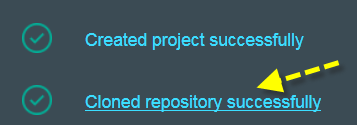
Your copy of the Simple Data Pipe project is displayed.

- Click BUILD & DEPLOY.
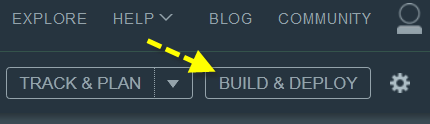
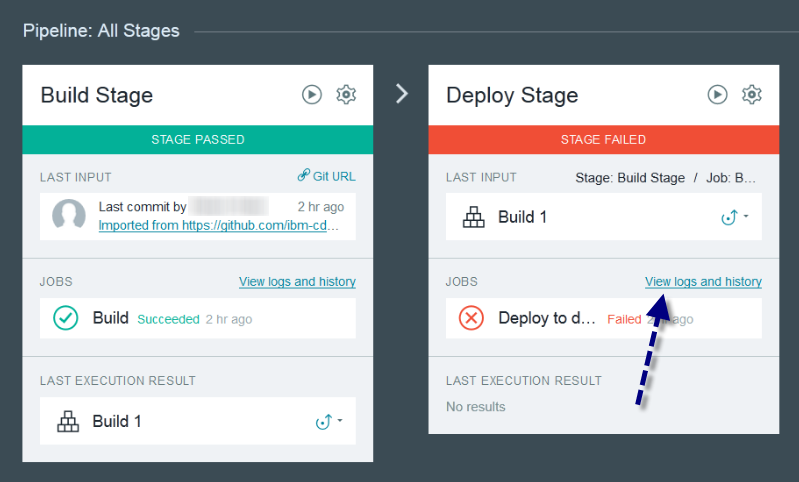
The build and deploy stages are displayed for your (private) Simple Data Pipes project.
-
Click View logs and history in the Deploy Stage.
The deployment log file is displayed.
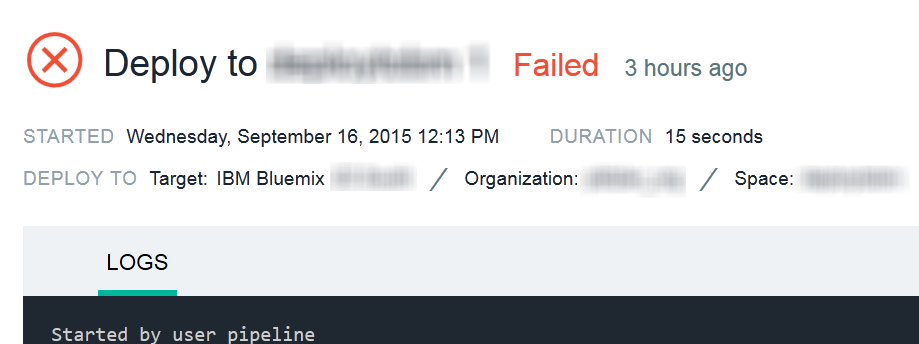
The first thing you should verify is that the three prerequisite services (pipes-cloudant-service, pipes-dashdb-service and pipes-dataworks-service) were created successfully.
- In the log file search for Done uploading. The following three messages should be displayed if the services were created successfully:
Binding service pipes-cloudant-service to app pipes-<project name> in org <your_org_name>_org / space <your_space_name> as <your_bluemix_id>...
OK
Binding service pipes-dashdb-service to app pipes-<project name> in org <your_org_name>_org / space <your_space_name> as <your_bluemix_id>...
OK
Binding service pipes-dataworks-service to app pipes-<project name> in org <your_org_name>_org / space <your_space_name> as <your_bluemix_id>...
OK
- Service creation failed and application deployment was stopped if a message similar to the following is displayed:
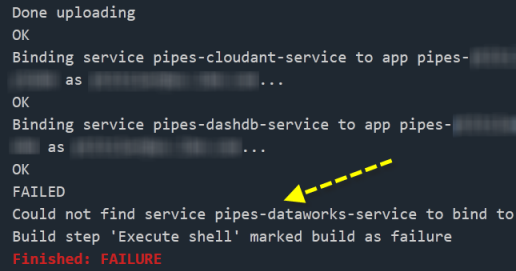
Should you encounter this problem, check the service status on the Bluemix support status page:
-
Open the Bluemix web console and log in.
-
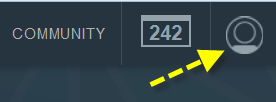
Click the user account icon.
 -
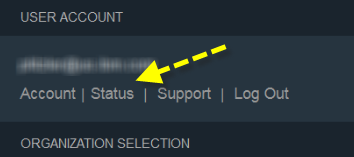
Select Status.
 -
Locate the SERVICES section.
 -
Check the Cloudant NoSQL DB, dashDB and DataWorks service status for your region

-
If issues are reported, check the system status messages and announcements on the right hand side.