Support using radius R in G2 and G3 commands. #137
Conversation


|
Maslow Firmware PR added to support commands: G3 test code: |

|
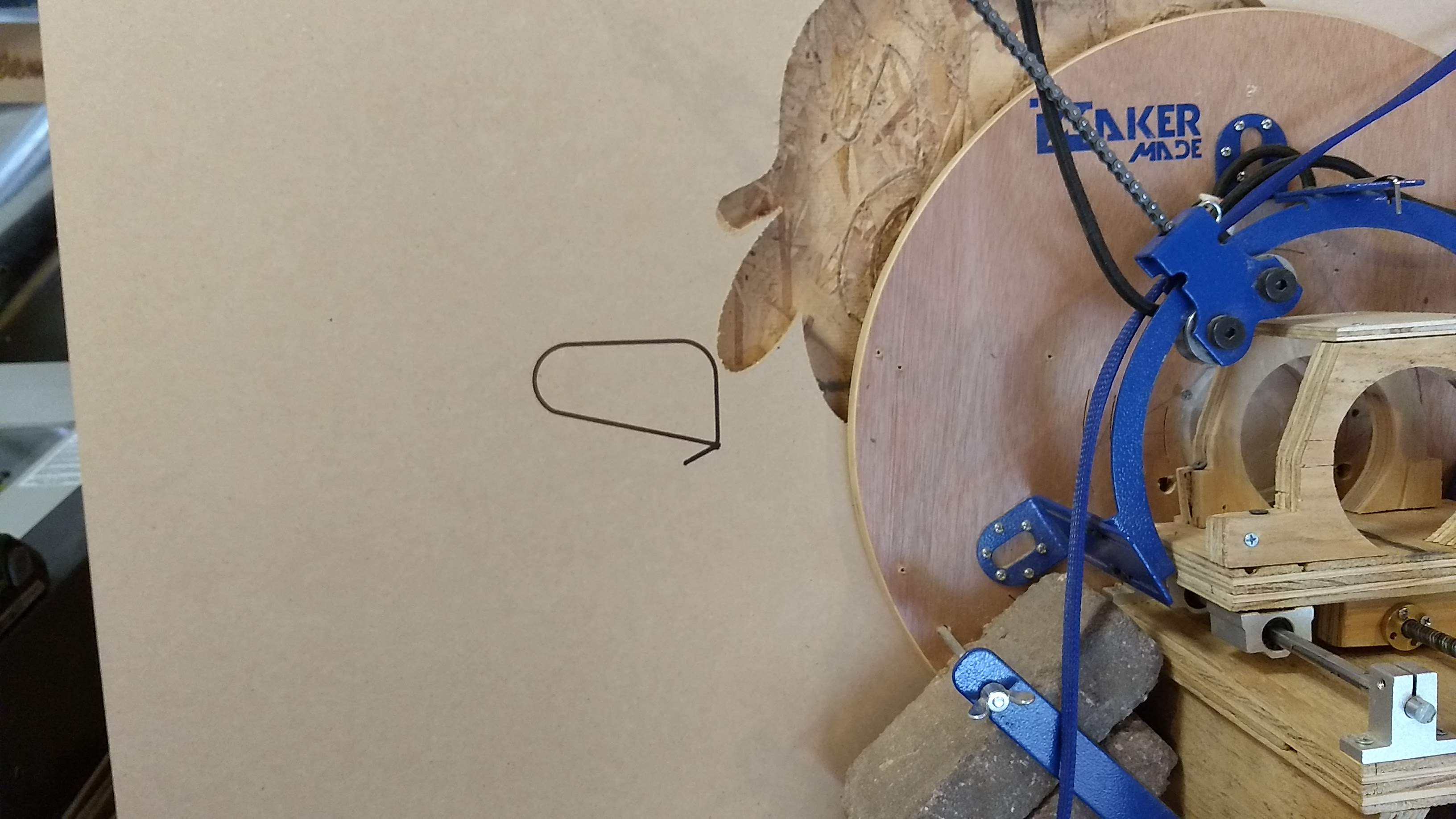
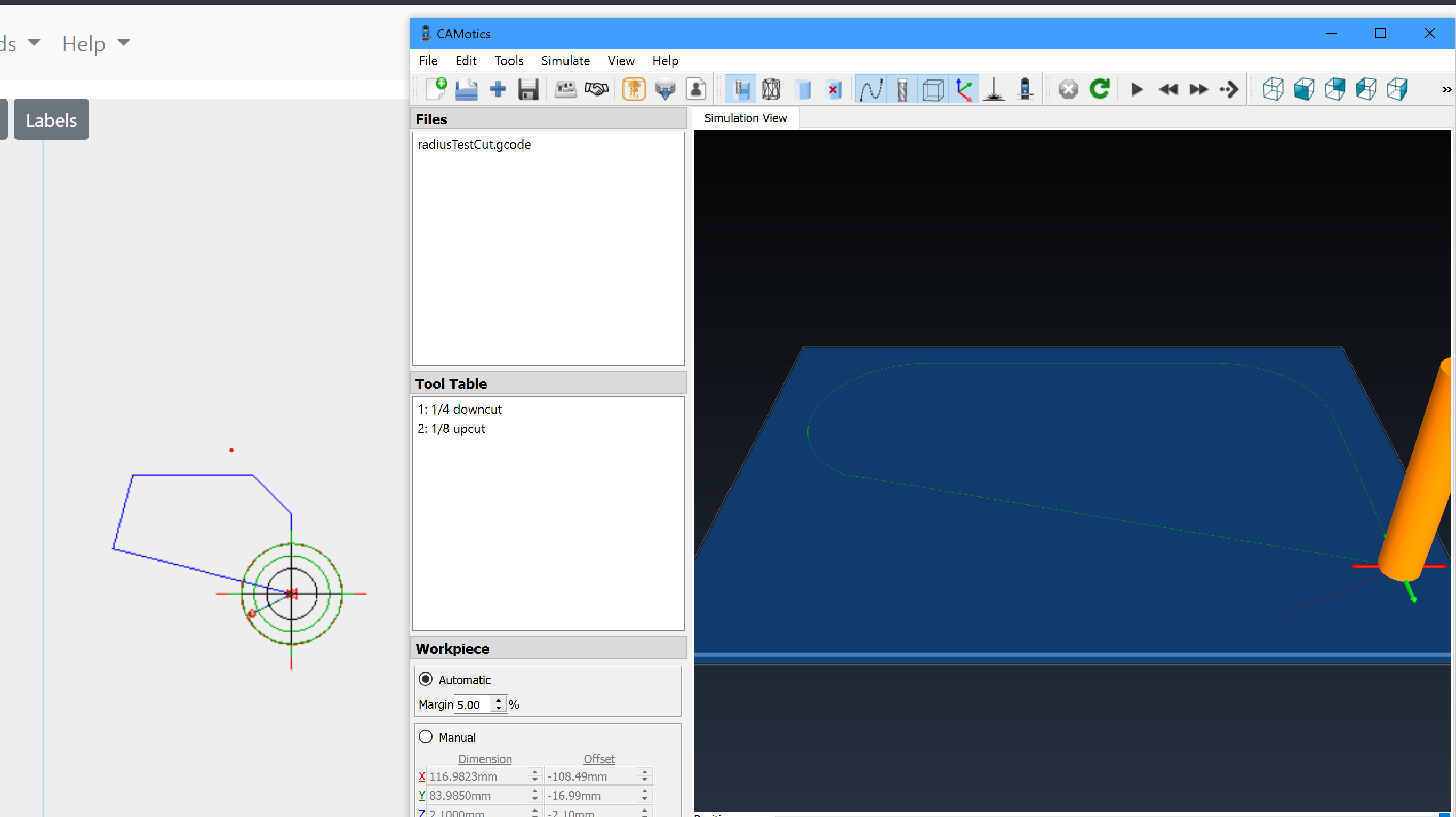
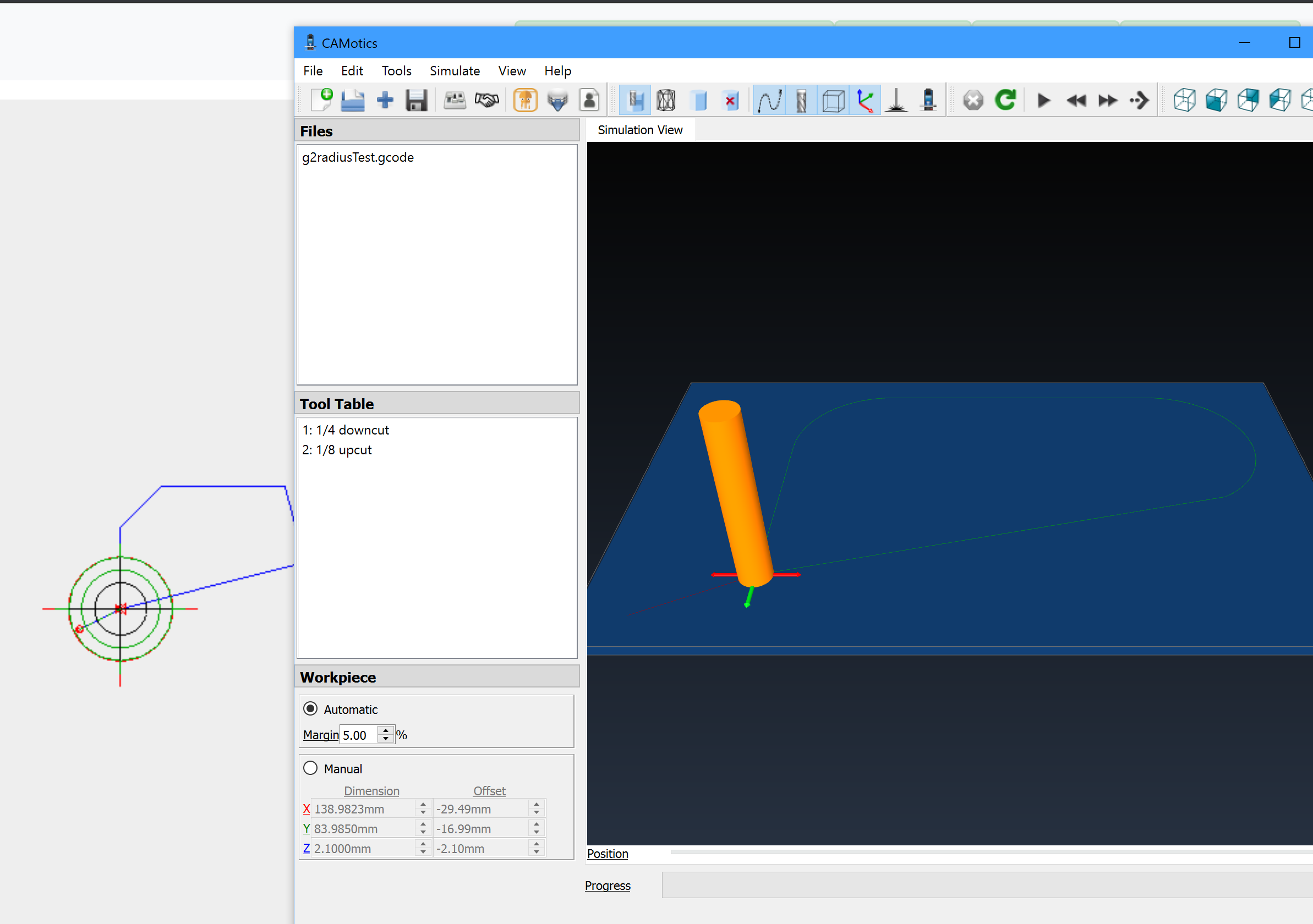
All things considered, testing was a success. I successfully compiled and flashed the firmware using webcontrol (separate story if desired). Loaded the new webcontrol and ran G3 and then G2. I have attached a screenshot of what they looked like and a picture of the marker on my board. The G2 path was over a hole, but it ran. A strange thing then occurred after I moved the sled over to a spot where the marker could trace the G2 gcode again. Pressing play, it sends 8 lines and then just sits there. It would work for G3, but not the G2. Looking at the log, there was a buffer overrun condition, so after turning off the maslow setting "buffer gcode," it worked fine. Item of interest: the webcontrol visualizer does not handle R, so the arcs look like straight lines in the webcontrol board, but when the sled moves, it goes off the line and you can see the arc as the red reticle travels. note: I run everything in metric, so I muliplied X Y coordinates everything by 10 and in mm. With a feed rate of 500. These are the files that were run:G3M3 G90 (Footer) G2M3 G90 (Footer)
|

 Orob-Maslow
left a comment
Orob-Maslow
left a comment
Orob-Maslow
left a comment
There was a problem hiding this comment.
Code functioned as intended for both G02 and G03 with R commands. See comments in the PR
|
@Orob-Maslow Thanks so much for testing this! Glad to see it worked. @Orob-Maslow @madgrizzle Correction: Click on the smiley on the comment by MaslowCommunityGardenRobot and give it a thumbs up. |

|
not in the first post, in the robot's post.
David Lang
…On Tue, 19 May 2020, gb0101010101 wrote:
Date: Tue, 19 May 2020 12:14:48 -0700
From: gb0101010101 ***@***.***>
Reply-To: WebControlCNC/WebControl
***@***.***>
To: WebControlCNC/WebControl ***@***.***>
Cc: Subscribed ***@***.***>
Subject: Re: [WebControlCNC/WebControl] Support using radius R in G2 and G3
commands. (#137)
@Orob-Maslow Thanks so much for testing this! Glad to see it worked.
@Orob-Maslow @madgrizzle
Please go to MaslowCNC/Firmware#544 and give it a thumbs up so that it will be accepted. Click on smiley in first post and select the thumbs up icon.
|
 madgrizzle
dismissed
Orob-Maslow’s stale review
madgrizzle
dismissed
Orob-Maslow’s stale review
We need to handle mismatched firmware.. see comment

|
I tried this out but WITHOUT using the modified firmware and it caused fits (sled not keeping up errors), things cutting in wrong spot, etc. I think we need a message or something that alerts the user that the gcode loaded is not compatible with the firmware if they haven't updated it. I know its a bit of a pain to do, but somewhere down the line someone is going to post about why their gcode isn't working.. |
|
Maslow has been acting weird with R values since it was designed. My first cut was messed up because R wasn't supported. My original feature request was a parsing filter to remove the R's from gcode so it wouldn't do weird things. It is supported in all the other gcode systems, so if anything there should be a warning that it isn't / wasn't supported. I think this is a mandatory upgrade because of that. Roll in the Z limits and the enhanced calibration options and it will be a very nice package. EDIT: this is a firmware fix, not a webcontrol fix. |
|
When using Maslow firmware or WebControl versions before this fix the results would be wrong cuts, wrong display of cut paths, and/or sled not keeping up errors. |
|
first of all, the new firmware needs a rev number bump. MaslowCNC/Firmware#544. then in gcodefile.py in the drawarc function, there needs to be something like this: |
4 participants


This patch only provides rendering support to WebControl using radius R in G2/G3 commands.
It does not modify gcode and the code will not work on Malsow Firmware until that is patched.
Test gcode
See rendered example
http://www.helmancnc.com/cnc-g02-circular-interpolation-clockwise-cnc-milling-sample-program/