Setting Things Up
NOTICE: Some education mailboxes may not be able to open the API. This is because the administrator does not have open permissions. You can use your own account to create the API.
-
Enable Google Drive API for Your Account:
-
Here is the Link to Enable Drive API - Click Here
-
If You Have not Created any Project in Google Developer Console or if This is Your First Time Setup, It will Ask You to Create a New Project.
-
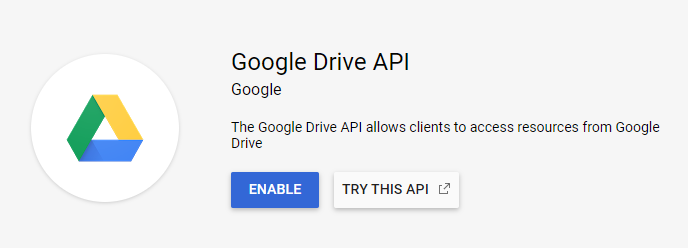
After Creating a New Project Enable the Drive Api.
-
-
Create an OAuth client ID:
- The first creation will allow you to configure the consent screen, fill in the application name and save it directly.
-
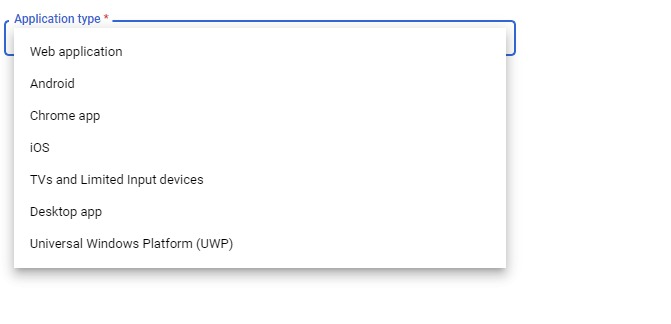
Select Desktop app (It may change when you visit here, please hit and try!)
-
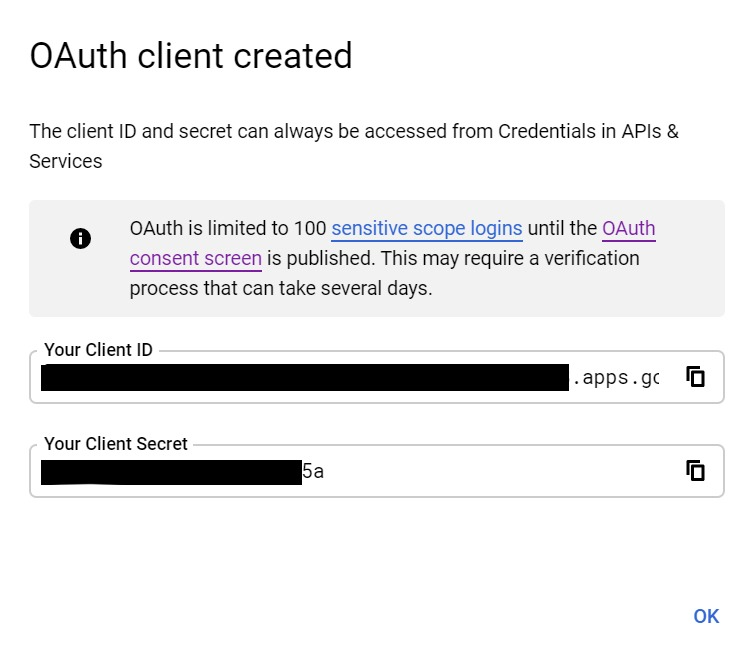
Then you can see the client ID (client_id) and client secret (client_secret), copy and save it.
Important: This project is only for personal use to share content with family and friends, do not use for commercial purpose. You are Absolutely Free to Use it for Personal and for Educational Purposes, I don't Restrict that but If I Find anyone Using for Commercial Purposes, then Strict Action can be Taken.
Is that documentation missing something? Isn't it clear enough? Help me improve it by filing a Github issue.
Wiki Documented and Structured by - Shan.tk
Support/Sponsor this Project: 

