How to Customize the Email Template in Easy Form Builder
#How to Customize the Styles on the Email Template
Do You like to create Email template for your email notification ? Easy form Builder has default email template for email notification and as well as you can create email template or customize email easily for free. in this tutorial , we show hos setup email template on Easy form builder.
In this document, we’ll Learn email template in Easy Form Builder.
Use Ready Templates as Email template
Create an Email template
By default Easy form builder set a default email template and also available 2 free email templates.
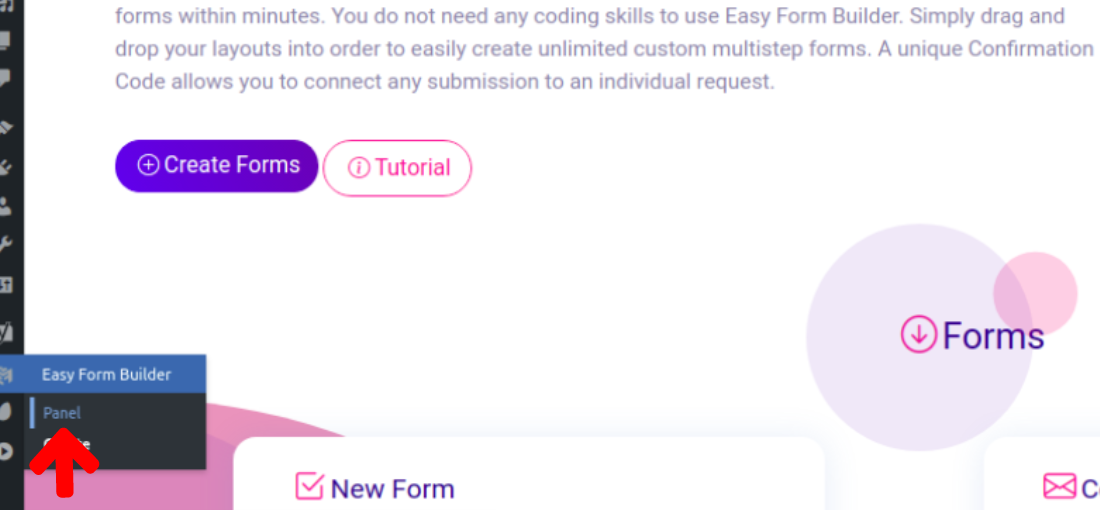
When you open the form builder, go to the panel page to access all the options of your form.
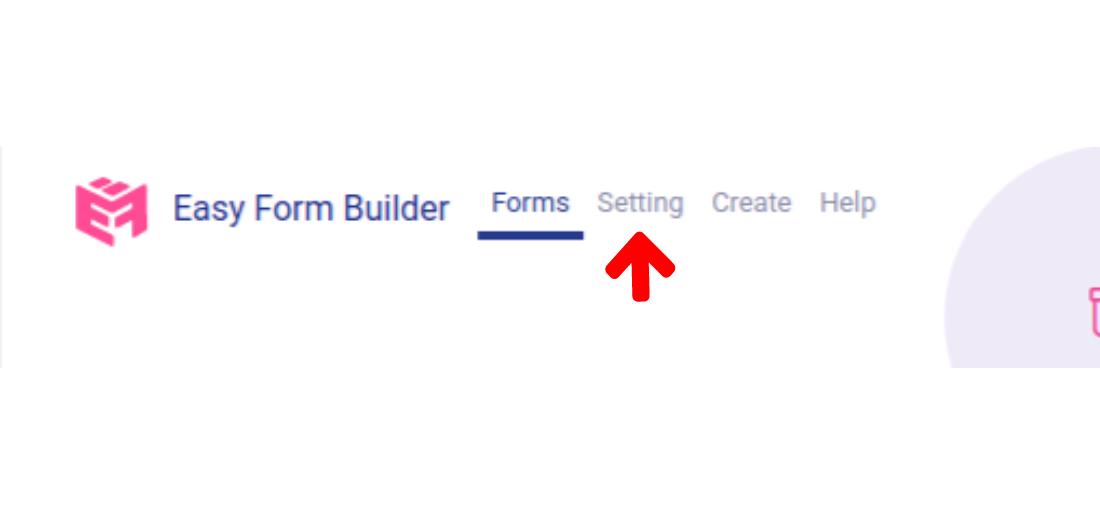
In this section Click on setting to get access email setting of Easy Form Builder
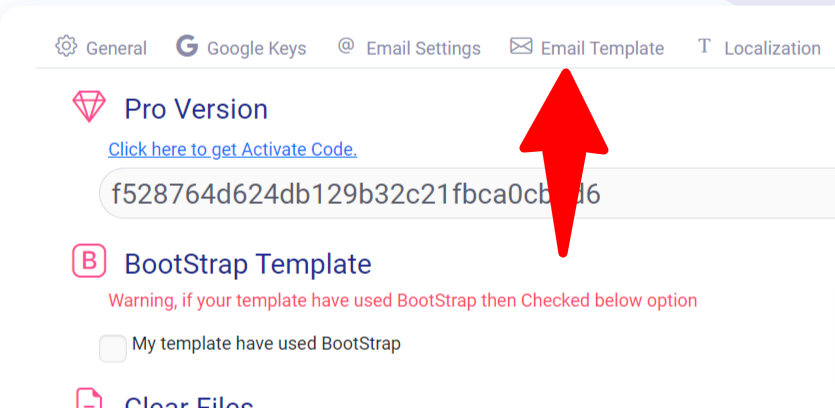
Click on Email Template to get access default templates and email editor of Easy Form Builder.
for access default templates Click on Templates and select an Email template.

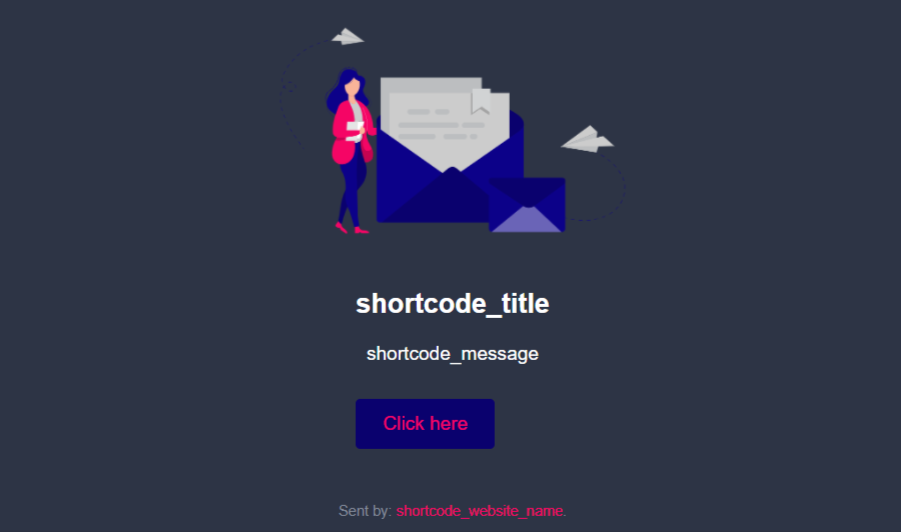
You can see preview of Email Template Easily Just Click on Preview.
When you open the form builder, go to the panel page to access all the options of your form.
In this section Click on setting to get access email setting of Easy Form Builder
Click on Email Template to get access editor template of Easy Form Builder.
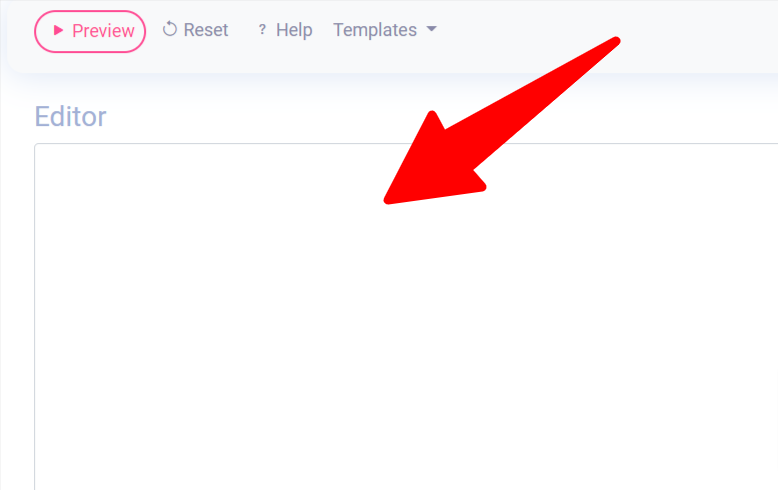
Easily Create a Email template by past code of email template in Editor area .
Notice 1: You should use html2 structure for create a email template.
Notice 2: You should add these shortcode shortcode_title(Show title of email) and shortcode_message(Show Content of message) to the email template code.