How To Change Label Name And Inputs Of Easy Form Builder
Are You interested in customizing the Inputs and fit with your site’s design or user interface? The Inputs of your form can play an important role in submission rates.
In this essay, we’ll introduce you to how to customize the Inputs.
- Changing the label Text
- Changing the Description Text
- Required
- Changing the Placeholder
- Changing the Label size
- Changing the Label Color
- Changing the Description Color
- Changing the Field Color
- Changing the Border Color
- Label Position
- label Align
- description Align
- Width
- Height
- Corners
- Default value
- CSS Classes
In case of redesigning the inputs of your form you have to create form and select the setting inputs To change the features of inputs.
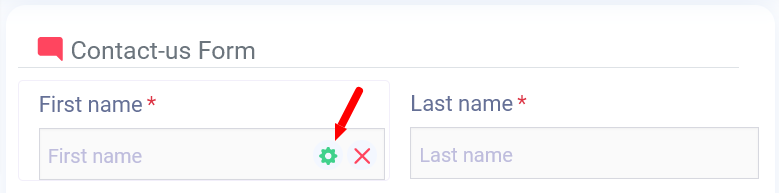
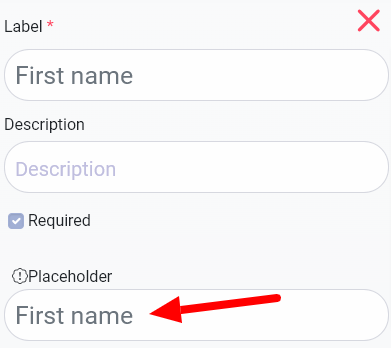
1 .Changing the label Text
You can change this text easily and just erase and re-insert new text and press enter. Simply your text changes.
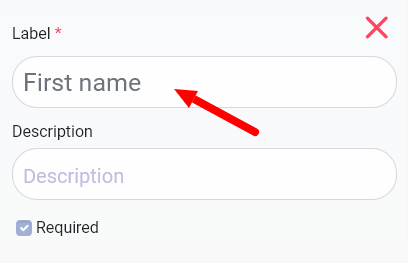
- Changing the Description Text
You can change Description text easily and just erase and re-insert new text and press enter. Simply your text changes.
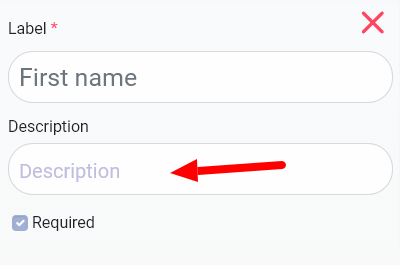
- Required
When you select this option, it's required for your user to fill this input.
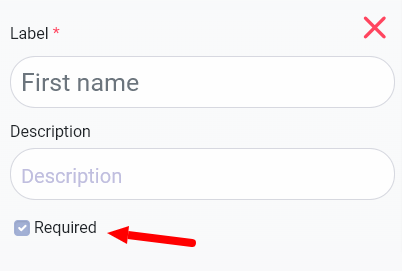
- Changing the Placeholder
You can change Placeholder text easily and just erase and re-insert new text and press enter. Simply your text changes.
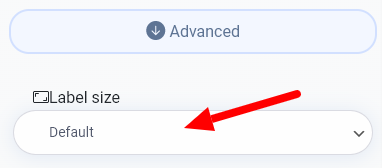
- Changing the Label size
You can resize any label of your form, from Default, small, large, Xlarge to XXlarge.
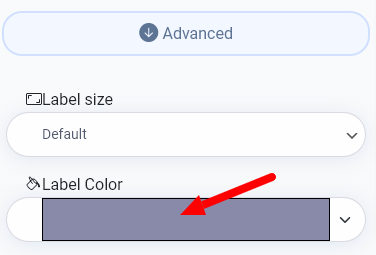
- Changing the Label Color
You can change your Label color simply by clicking on the colored field and choosing your desired color.
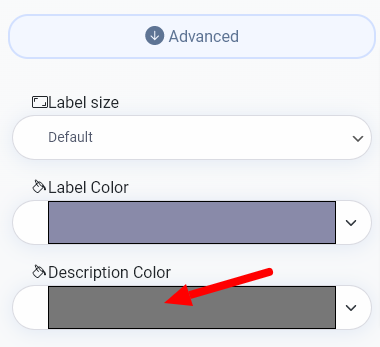
- Changing the Description Color
You can change your Description color simply by clicking on the colored field and choosing your desired color.
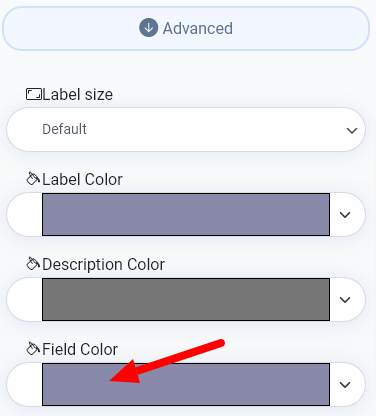
- Changing the Field Color
You can change your Field Color simply by clicking on the colored field and choosing your desired color.
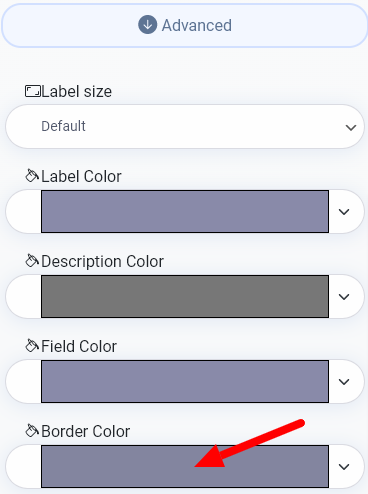
- Changing the Border Color
You can change your Border Color simply by clicking on the colored field and choosing your desired color.
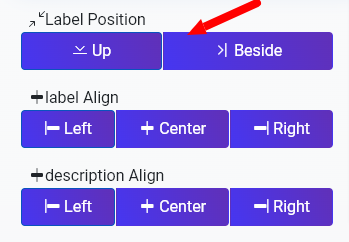
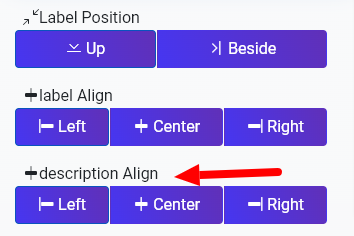
- Label Position
You may change your label position into Up or Beside.
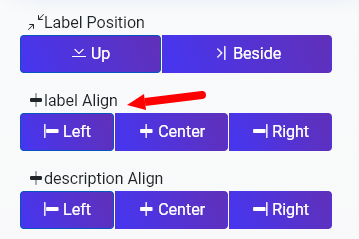
- label Align
You may Align your label for three options to the Left or Center or Right.
- description Align
You may Align your description for three options to the Left or Center or Right.
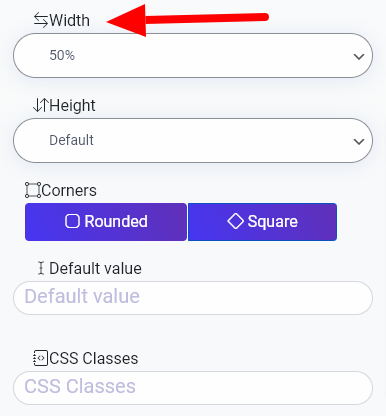
13. Width
You can change your input size for 4 options from 33%, 50%, 80% to 100%.
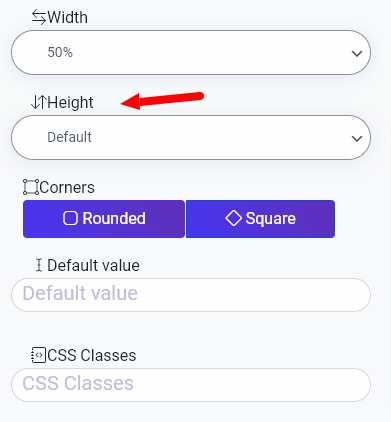
- Height
You can change your input size for 4 options from Default, large, xxlarge to xxxlarge.
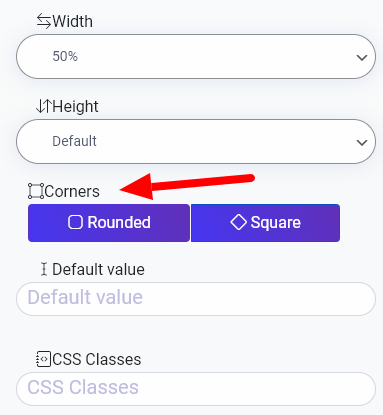
- Corners
You can change your corner input for 2 shapes: Rounded and square.
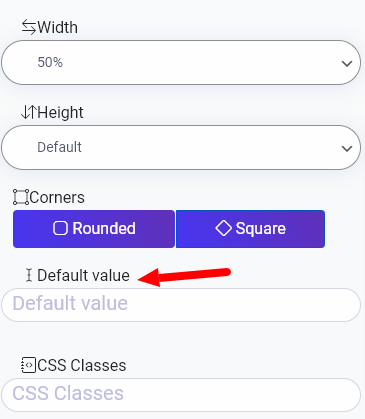
- Default value
You can change the value inside of the field by this option.
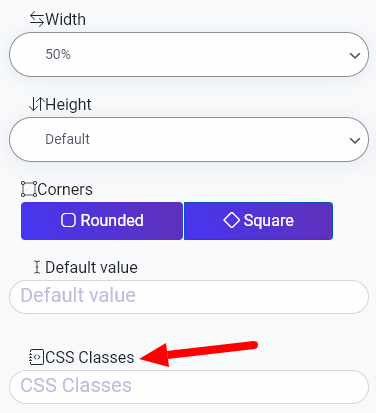
- CSS Classes
What more do you expect? Harry up, start with Easy Form Builder right now!