Customization
This page is mostly TODO.
Want to help? Contribute to this wiki!
✅ Make sure you update to the latest version of Cmder from here before customizing your shell
Cmder's default shell is powered by clink.
NOTE: For powershell customization, follow this link. Also, checkout cmder-powerline-prompt.
NOTE: How to add λ to the bash shell and cygwin
NOTE: How to use ~ (tilde) for home directory
Open the following file in your favorite IDE:
[cmder_root]\vendor\clink.lua
For example, if you have nano installed on your machine, type this:
λ nano %CMDER_ROOT%/vendor/clink.luaNOTE: To avoid the clink.lua getting overwritten on update, create a new file at %cmder_root%\config\my_prompt.lua with your changes -- read more.
Find the following lines:
    local cmder_prompt = "\x1b[1;32;40m{cwd} {git}{hg}{svn} \n\x1b[2;37;40m{lamb} \x1b[0m"
local lambda = "λ"The color is controlled by escape sequences, which is written as ESC [ in the documentation or \x1b[ in our clink.lua file.
For example, \x1b[1;32;40m will display the path ({cwd}) in green.
If you change 32 to 36, you'll get cyan path:
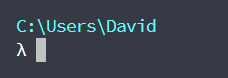
If you change 32 to 33, you'll get yellow path:
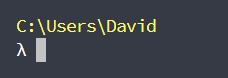
Read this page for a complete list of colors.
For further customization, have a look at this.
You can change Cmder's lambda λ to any custom UTF-8 character by modifying the lambda variable.
You can choose a character from the following resources:
local lambda = "★"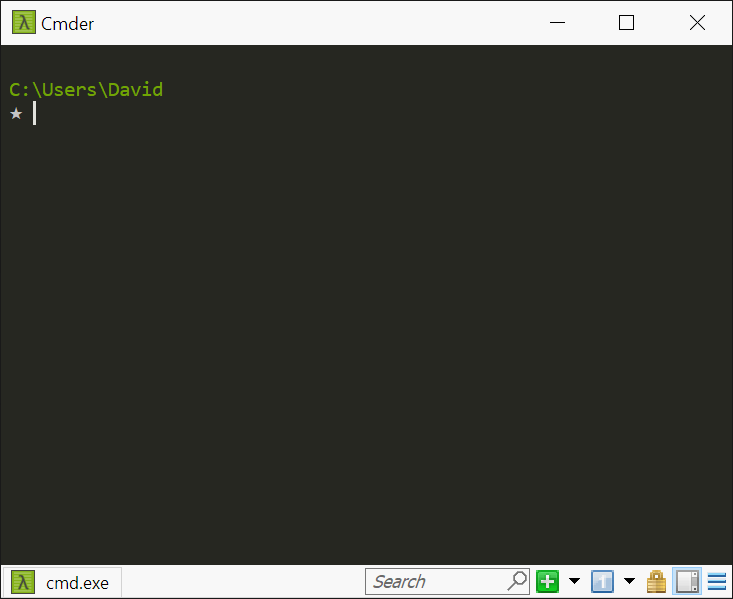
👉 Make sure both your terminal emulator (e.g. ConEmu) and your font (e.g. Consolas) can support and display your character.
I recommend using Hyper or FluentTerminal as your terminal emulator and either Hasklig or Source Code Pro as your font.
In your cmder_prompt variable, remove \n that comes between {cwd} and {lamb} (Hit Ctrl + F → \n to find it, then remove it.)
Example:
    local cmder_prompt = "\x1b[1;32;40m{cwd} {git}{hg}{svn} \x1b[2;37;40m{lamb} \x1b[0m"
local lambda = "λ"You can configure Cmder to automatically answer Cmd.exe messages.
The settings file for the shell is located in here:
\cmder\config\settings
You need to find the following subsection:
# name: Auto-answer terminate prompt
# type: enum
#  0 = Disabled
#  1 = Answer 'Y'
#  2 = Answer 'N'
# Automatically answers cmd.exe's 'Terminate batch job (Y/N)?' prompts. 0 =
# disabled, 1 = answer 'Y', 2 = answer 'N'.
terminate_autoanswer = 1
– OR –
Enter the following into your Cmder shell:
clink set terminate_autoanswer 1Which outputs:
Settings 'terminate_autoanswer' set to '1'
This is very useful.
Thank you @edmundo096 for mentioning it!
Also see #108, #1666 and this stackoverflow post.
Rainbow colored Cmder icons are available in:
\cmder\icons\cmder_*.ico
You can choose one for the Cmder shortcut.
You can replace ConEmu with Hyper or FluentTerminal.
This effect is achieved using FluentTerminal integration:

-
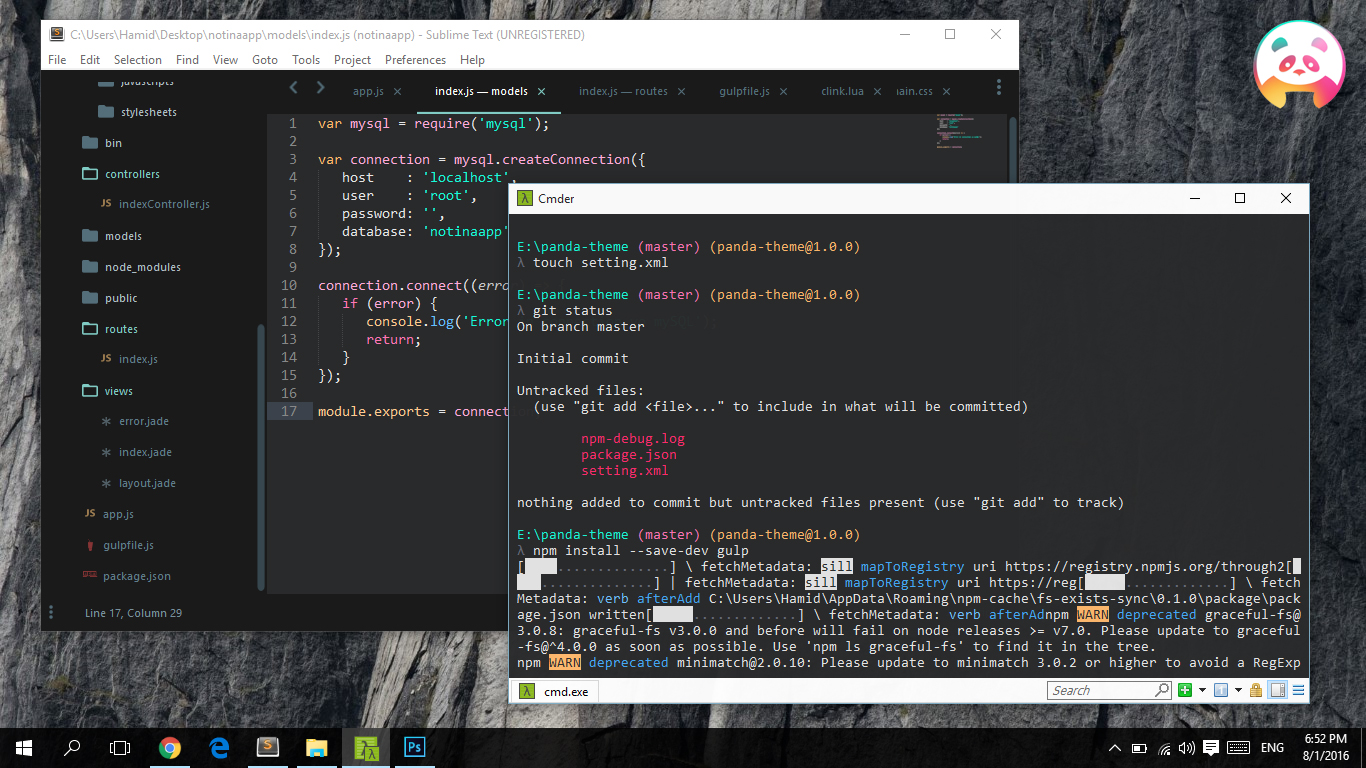
🐼 Panda Syntax Theme for Cmder – 💾 Download
-
More color schemes – 💾 Download
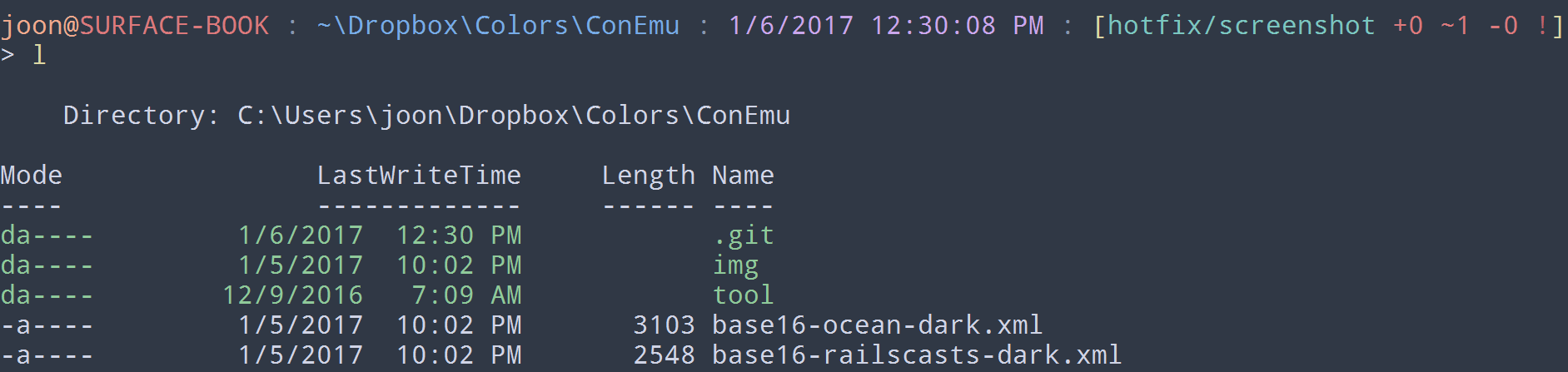
-
Dracula for cmder – 💾 Download
