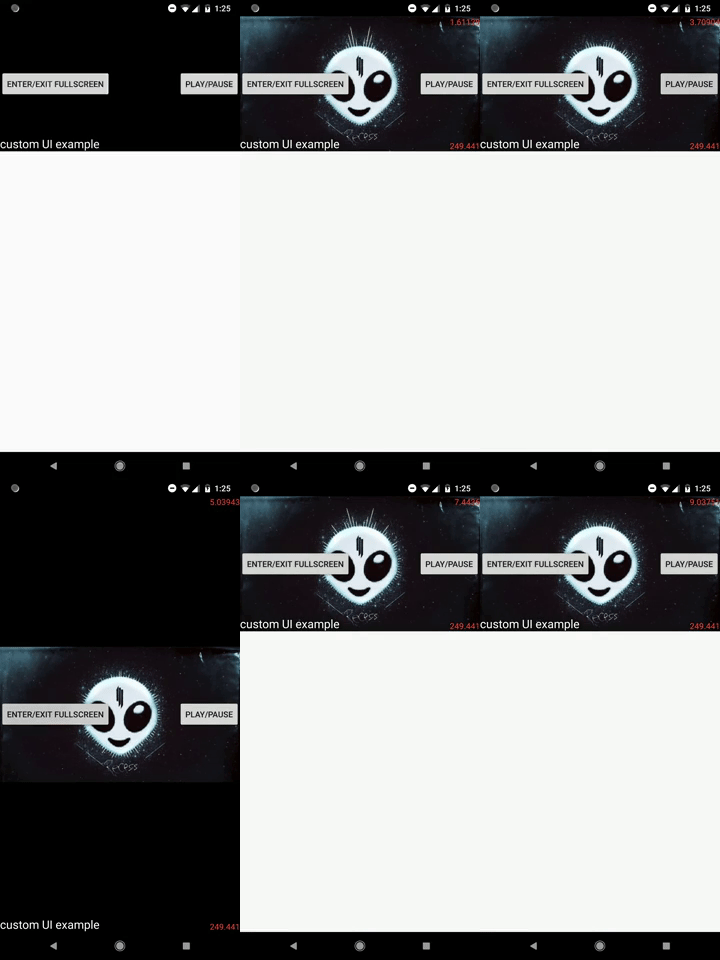
Replace the player's UI
Starting from version 5.0.0 it is possible to completely replace the player's UI.
YouTubePlayerView has a new method: View inflateCustomPlayerUI(@LayoutRes int customUILayoutID).
This method takes in the id of a layout resource. The method returns the View object corresponding to the inflated layout. The default UI of the player gets removed and replaced with the new UI.
After calling this method, the default PlayerUIController won't be available anymore. Calling YouTubePlayerView.getPlayerUIController() will throw an exception.
You are now required to manage your custom UI with your own code. Meaning: you should write your own class to manage the UI. A simple but complete example can be seen here, in the sample app, I recommend you take a few minutes to read it, it should be trivial to understand.
Example (taken from sample app):
View customPlayerUI = youTubePlayerView.inflateCustomPlayerUI(R.layout.custom_player_ui);

youTubePlayerView.initialize(youTubePlayer -> {

  CustomPlayerUIController customPlayerUIController = new CustomPlayerUIController(this, customPlayerUI, youTubePlayer, youTubePlayerView);
  youTubePlayer.addListener(customPlayerUIController);
  youTubePlayerView.addFullScreenListener(customPlayerUIController);

  // ...
}, true);
A post on this topic is available here.
Sample app example: